We are delighted to provide you with the latest version of our Genealogical Data Analysis application.
Genealogical Data Analysis now includes duplicate person searches
We ‘ ve had occasion to explain why it’s logical (and even desirable) to create several individual “records” in your database as long as the identification criteria are not sufficiently convergent, and why you should regularly “deduplicate” your data.
Genealogical Data Analysis is a great help, performing no less than 7 searches in just a few seconds to identify potential duplicates in your genealogy:
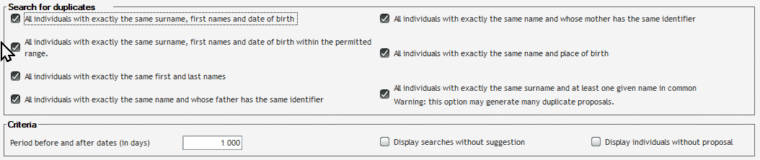
In addition to the classic searches on surnames and first names, Genealogical Data Analysis also performs searches on birthplaces or periods, helping you to identify duplicates. It’s up to you to choose the searches that seem most relevant to you (memorable in the options).
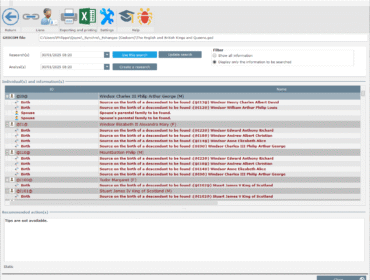
For each individual, you get a detailed list of people who could be a duplicate:
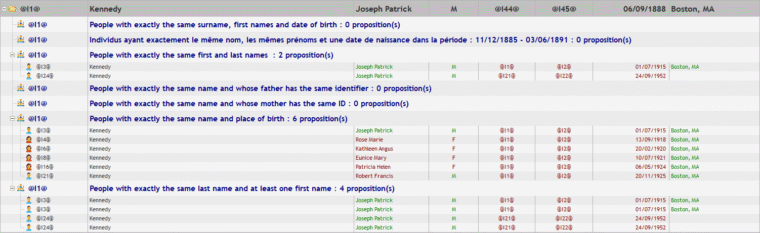
The proposals are displayed using a color code for each piece of information:
- green: information matches.
- red : information does not correspond
To limit the number of lines to be scanned, Genealogical Data Analysis can automatically hide searches (and people) for which no duplicate proposal is found. And to make it easier for you to work on your checks, you can print out the list or export it in PDF, Word or Excel format:
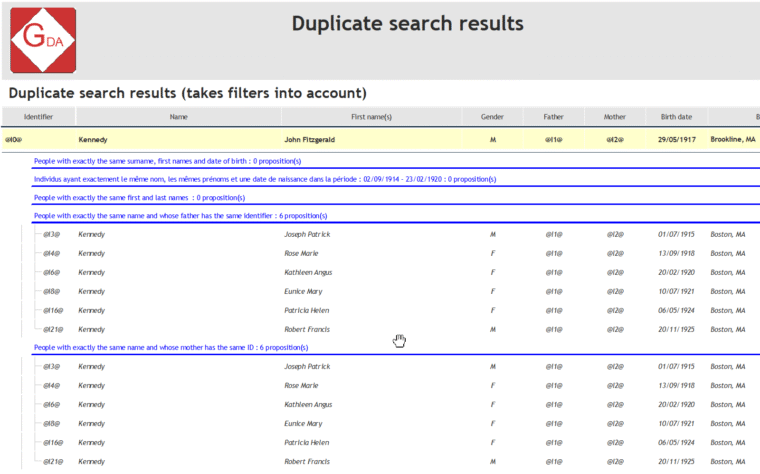
Genealogical Data Analysis v0.40 offers several enhancements
In addition to duplicate checking, this update brings several improvements.
Data analysis
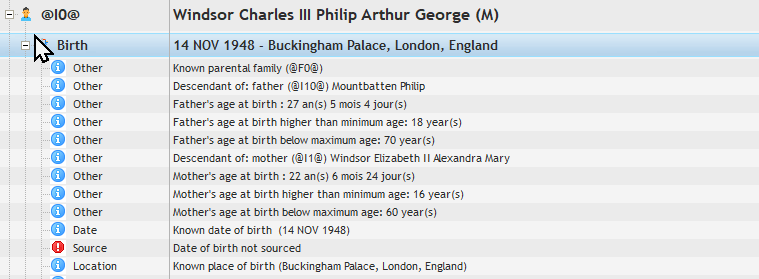
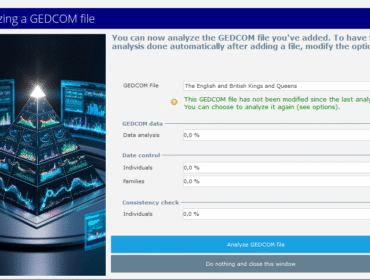
Analyses can now be limited to certain events (e.g. births, marriages, deaths).
Analyses now check the age of each individual’s parents at birth, and warn if this age does not conform to the minimum and maximum ages (which you can modify in the options.
Results explorer
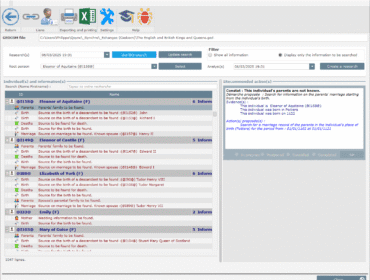
The explorer now displays the “scores” obtained for marriages, and it is now possible not to display people and/or events for which no data is present. This reduces the number of lines displayed and simplifies reading the results.
To download and install this new version
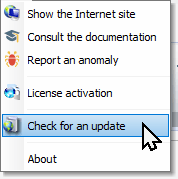
If you have already installed a previous version of Genealogical Data Analysis, the easiest way is touse the “Search for an update” option in the “?” menu.
Alternatively, you can download the new version from our website by logging into your account and viewing your download history. By using the link to download the software again, you’ll get the new version.
And for those who haven’t yet downloaded the application, you can use this link:
Once you’ve downloaded the installation file (in your browser’s download directory), launch the installation. The data structure will be updated on the first run.
Activating your application
Genealogical Data Analysis now uses an activation key to enable access to features depending on the edition purchased.
Get your activation key
An activation key is assigned at the time of download. It can be consulted in your purchase history on our website:


To display the license, click on the key.
Activate your application
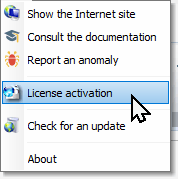
Once version 0.40 is installed, enter your activation key in the application: Menu “?” / Option “License activation”
We value your opinion
We look forward to hearing your comments and suggestions.
You can use the ticket system on this site or e-mail us directly at support@geneasofts.com.