How to install GedcomRenumber ?
This procedure explains how to install GedcomRenumber.
Download the software
This software is available for Windows (versions XP and later).
- Download the software.
- Find the software in your “Downloads” folder on your computer.
- Start installation by double-clicking on the file.
Select language
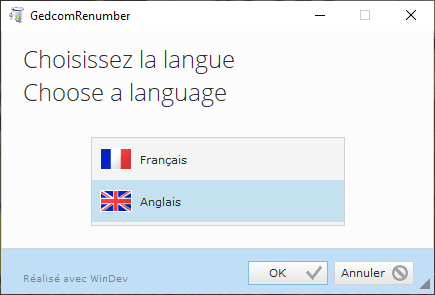
Select the language to be used for installation.
Confirm with [OK].
Choose the installation directory
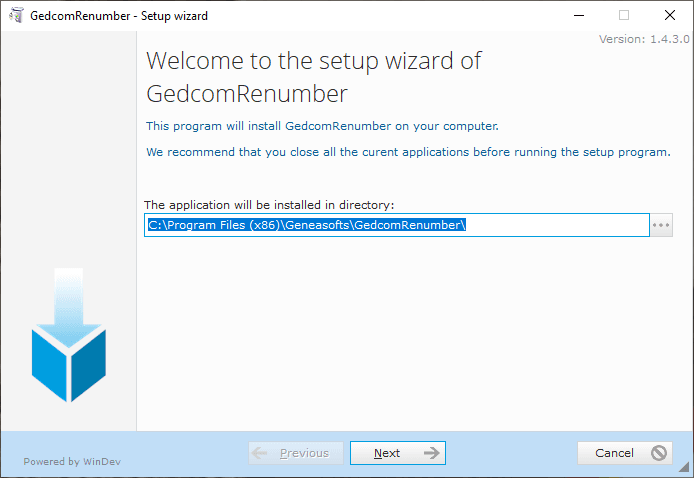
Choose the directory (or leave the default value).
Confirm with [Next].
Backing up previous installation
If the application has already been installed, you can choose the directory in which the files to be replaced during installation will be saved.
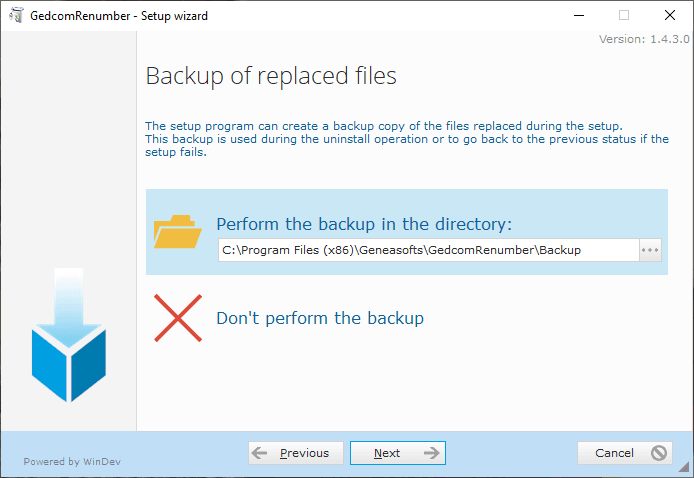
Choose the directory (or leave the default value).
or
Select “Don’t perform the backup”
Confirm by clicking [Next].
Installation summary
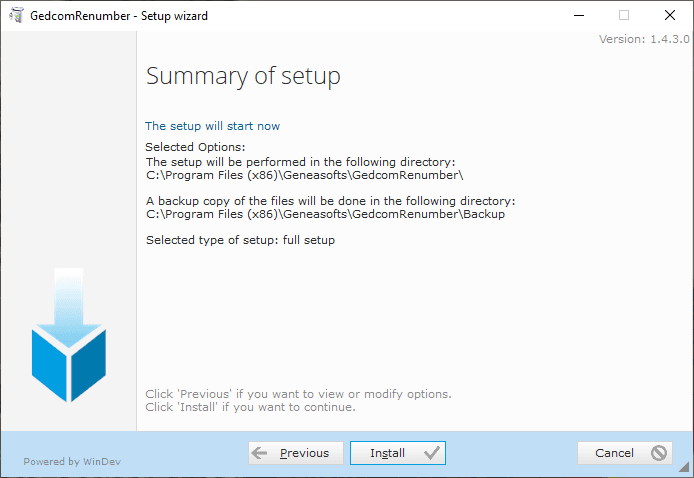
Check the selected installation options.
You can change them using [Previous].
Confirm with [Install] and wait for installation to finish.
End of installation
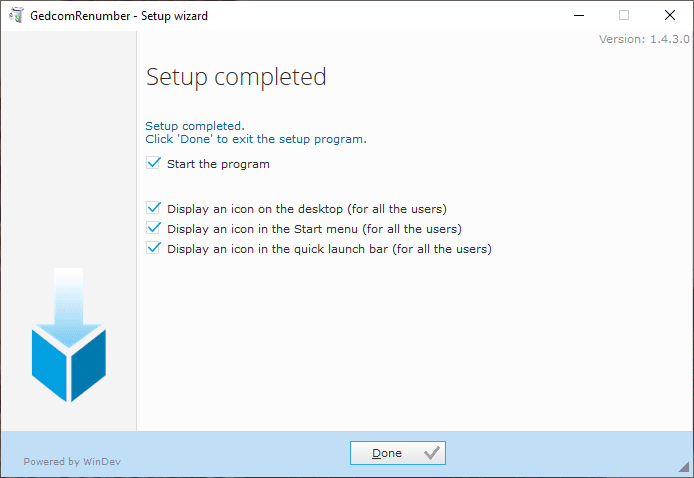
Select the actions to be performed by the installer at the end of this installation.
Exit installation with [Done].